RDA Power Plays 👀 What are Conversation Rules?

Conversation Rules 101
What are Conversation Rules and why use them?
Conversation Rules is an essential Conversica feature that segments your leads and assigns them to the appropriate conversation, rep, or status. You create “Rules” to automatically route your leads based on conditions and logic from your CRM or MAP.
For example: Personalize your post-event engagement by setting up Rules to route your registration list based on their event actions (like, did they stop at your booth?). You’ll send registrants different messages that reflect how (or if) they interacted with your business at the event.
The more you personalize your Revenue Digital Assistant’s messages, the higher your response rates get. (Psst… here’s how we hit 73% engagement for webinar invites.) Conversation Rules is the key to dynamic and scalable segmentation – helping you get better results while saving so. much. time!
|
Three types of Rules to route your leads
-
Contact List Assignment Rules: Determines how contacts are added or assigned to a specific conversation.
Example: Contacts are assigned to different lists based on demographic or behavioral criteria. This allows you to target and personalize messages tailored to each contact's characteristics.
-
Rep Assignment Rules (new!): Assign contacts to the most suitable representative, based on factors such as location, industry, and product/service needs.
Example: Contacts may be assigned to reps because of their sales territory, made up of location or customer size.
-
Contact Movement (new!): As contacts move from one funnel stage to another, this tracks their progress to know when to Skip or Stop Messaging.
Example: If a lead's status in your CRM or MAP changes to Contacted, the RDA will automatically Skip to Follow Up.
Get familiar with Conversation Rules
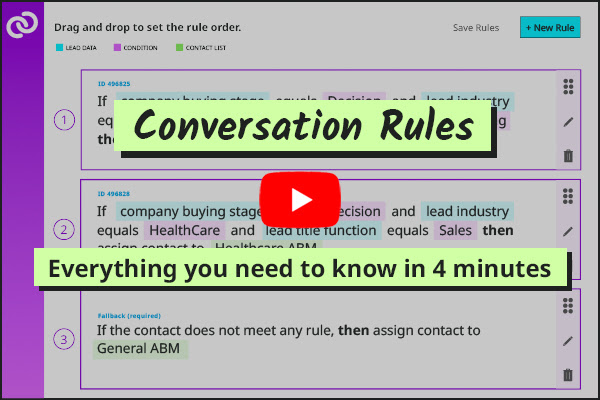
Really though, this Conversation Rules video covers the basics and is worth a watch – jump to the two-minute walkthrough. In case you prefer to scroll, keep reading for an introduction to Conversation Rules navigation.
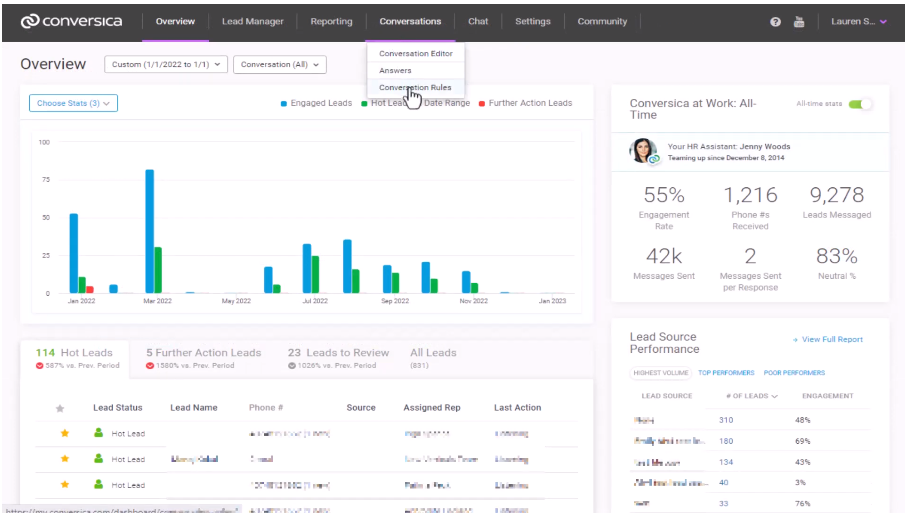
How to access Conversation Rules: Go to Conversica Dashboard > Conversations Dashboard > Conversation Rules.
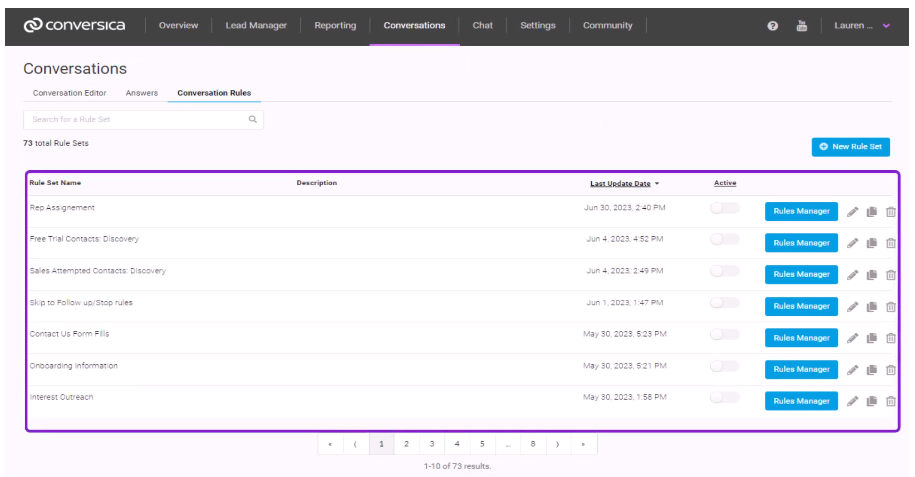
Organized by Rule Sets: These are groups of related Rules associated with the same campaign or contact list. View Rules in each Set by clicking “Rules Manager.”
The five Rule details: Rule details are color-coordinated options that, combined, make up the Rule. These Rule details are: Worktime, lead date, condition, contact list, and lead status.
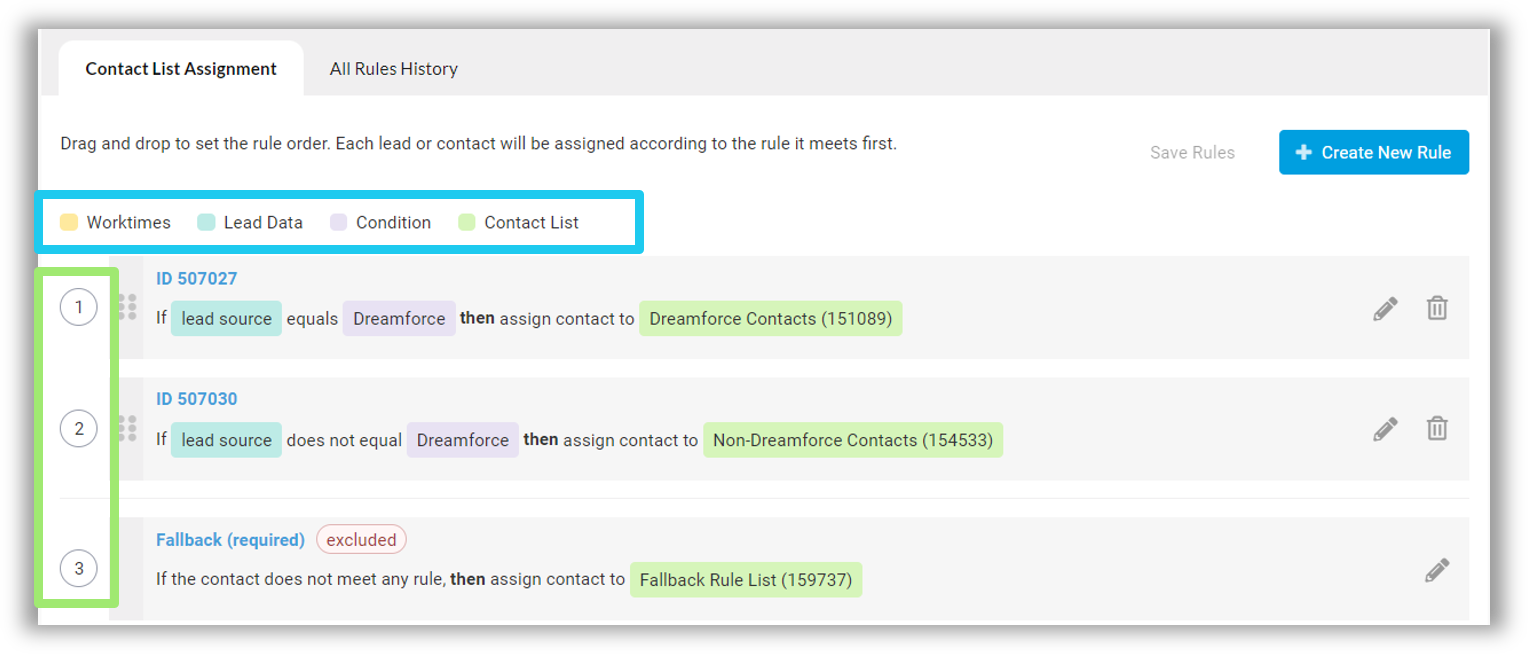 We get it, segmentation can feel like a complicated extra step in your communications process. But Conversation Rules is designed to make it simple and scalable for your business, so your target audiences can get the personalization they expect. Win - win!
|
Start creating Conversation Rules → |
Next Wednesday’s Conversica Insider email:
Conversation Hub (aka the customer newsletter!)
Please sign in to leave a comment.
Comments
0 comments